
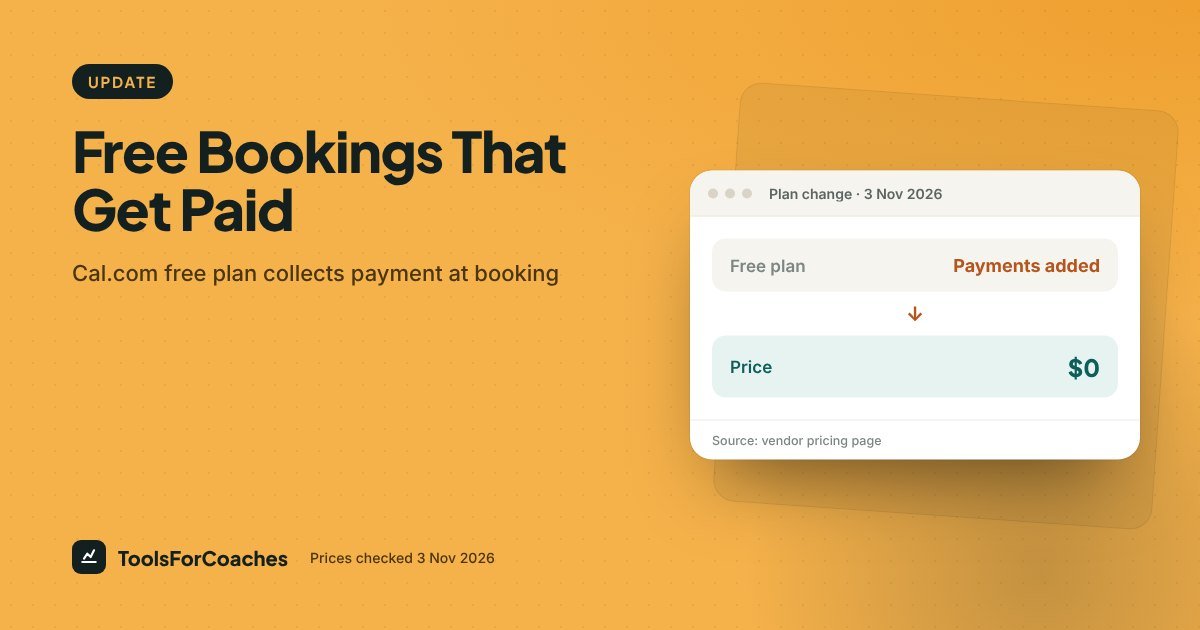
Thinkific retired its Basic plan on 26 Oct 2026. The cheapest plan is now Start at $82/mo billed yearly.See what changed →
Find my tool stack
UpdatePrices checked 3 Nov 2026

Cal.com’s free plan takes payments at booking; Calendly’s doesn’t

Coaches can charge for a session at booking on Cal.com without paying for a plan. Calendly needs Standard for that.

Amanat Mossalli Taju By Amanat Mossalli Taju·1 min read·Updated 3 Nov 2026

We may earn a commission if you buy through links here. It never affects what we recommend. How this works

Cal.com's free plan takes payments at booking; Calendly's doesn't

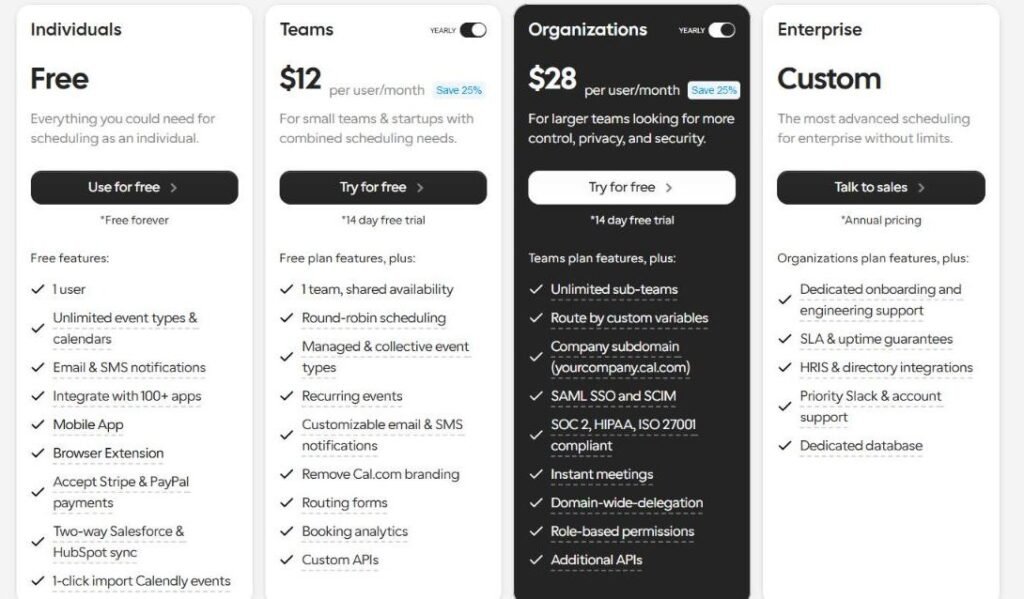
Cal.com’s free plan lets you collect a session fee at the moment of booking, through Stripe or PayPal. Charging at booking is the most common reason coaches pay for a scheduler, so this matters. Calendly still needs a paid plan (Standard, $10 a seat per month billed yearly) to collect payments.
cal.com/pricing

Cal.com pricing page showing plans and prices, captured 3 Nov 2026

Cal.com’s pricing page as we saw it on 3 Nov 2026 (yearly toggle on). Prices change, so check the live page before you buy.

Why it matters

If you only need booking plus payment, the price of entry is $0. Cal.com’s free plan also includes unlimited event types, which Calendly’s free plan does not. TidyCal’s free plan takes paid bookings too, with TidyCal branding.

What to do: If your Calendly renewal is coming up and you only use it for booking and payment, try Cal.com free for a week first.

Guides we updated

Checked 3 Nov 2026. If you outgrow the free plan, Cal.com Teams is $12 per user a month, billed yearly.

Amanat Mossalli Taju

Digital and product strategist with 6+ years inside SaaS and marketing teams, 175+ brands. I have worked on the pricing and growth side of software companies, which is why every guide here starts with what you will actually pay. About →